AI receptionist and switchboard The switchboard is one person. She was busy when the twelve called.
Threll answers the switchboard around the clock. It books appointments, transfers to the right person and takes a message when nobody is free. You set it up yourself in the console in an afternoon – with help from us if you want it.
No lock-in · No setup fee · Set it up yourself, no onboarding call
 11.40 · three in the queue
- Nordic speech, Nordic data storage (EEA)
- Runs on Telenor SIP infrastructure
- The threll says it is an AI assistant
- Live in an afternoon – without switching provider
The switchboard that only exists from nine to four
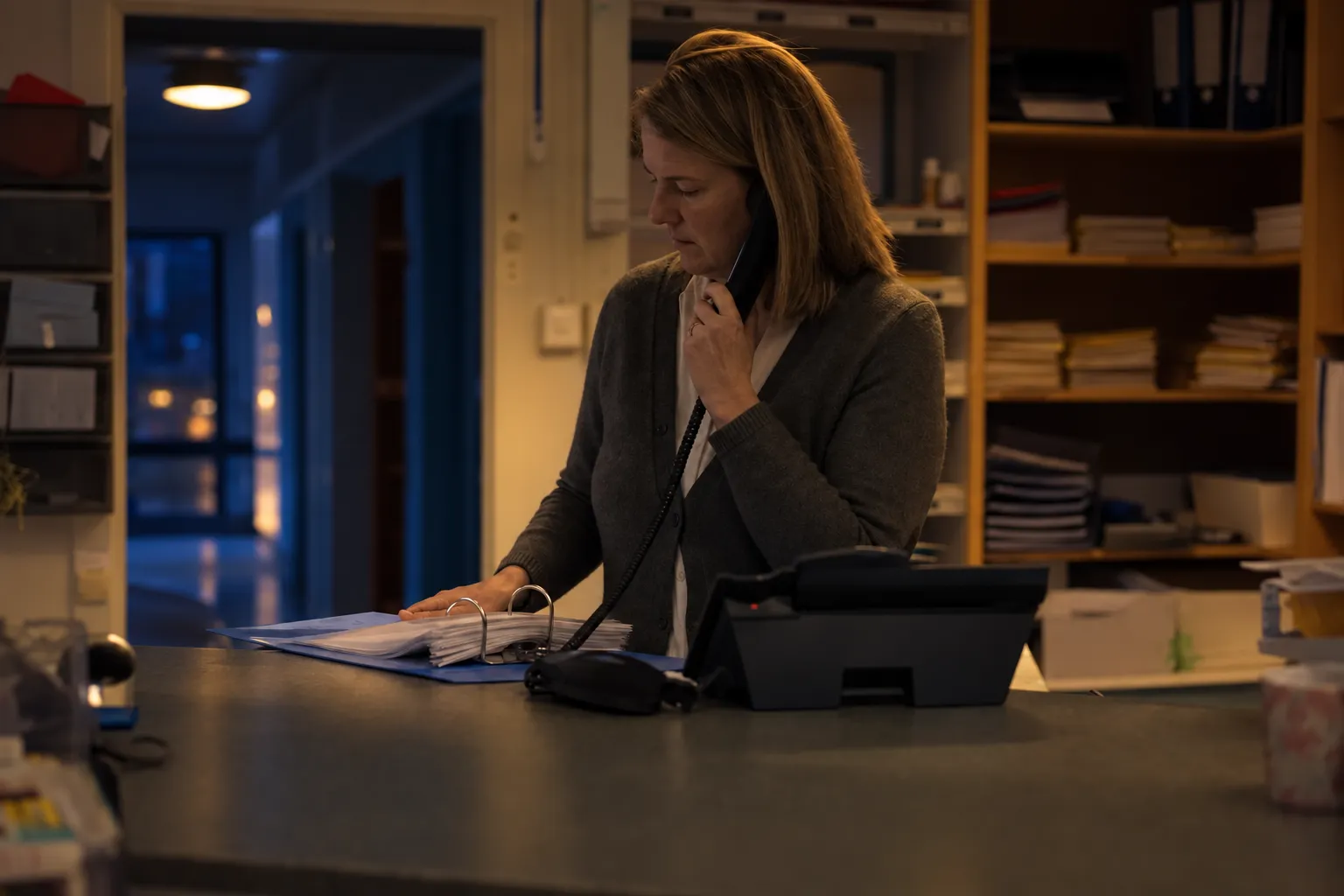
One person covers the desk, the phone and the inbox. She is good at all three – but never at the same time. The calls that come in while someone is standing in front of her aren't in any system. They're with the person who called, and who found another clinic.
Lunch, sick days and holidays
The switchboard goes quiet for an hour every day and a week at a time in July. The stand-in knows neither the calendar nor who does what.
Calls to the wrong person
A large part of the day goes on transferring. The caller explains the same thing twice before reaching someone who can answer.
The desk and the phone at once
There's someone in front of her when the phone rings. One of them has to wait, and it's always the one on the phone.
None of the three answers the question the caller is actually asking: do you have an appointment for me?
Run the numbers with your own figures
It takes just three numbers. How many calls the switchboard doesn't get to each month, how many of them would have become a booking, and what a booking is worth.
€108,000 a year – bookings that were never made
You're losing roughly €9,000 a month across 45 bookings. Threll costs €59 a month – the subscription pays for itself the second the threll books the year's first appointment the switchboard could not reach.
We don't know your numbers. You probably don't either, because a call nobody took never reaches the calendar – and that's the whole point. The test week gives you the actual figure, whether or not you pick us afterwards.
Live in one afternoon
Five steps you do yourself in the console. You keep your number, your operator and your setup, and need no integration. If you get stuck, we help for free.
Full control of every call
Every call with summary, outcome and recording. You run it all yourself – see what your threll said, and close the gaps as you read.


What the threll actually does
Answers in real Nordic languages – and 70 more
Natural speech that handles dialect and interruptions. If the caller speaks English, Polish or Lithuanian, the threll switches mid-call – and back again.
Books in the calendar
The threll sees which slots are genuinely free, puts the appointment straight in and sends confirmation by SMS. Nobody has to call back to agree a time.
Wanted to move the check-up from Friday. Rebooked to Tuesday 14:00 with the same practitioner. Asked for a reminder the day before.
Transcript, summary and sentiment
The whole call in writing, a five-line summary, and a signal on whether the caller was frustrated.
Separates appointments, urgent cases and sales calls
You define what has to reach someone straight away. Acute pain gets through. The salesperson who wants a word with the managing director doesn't.
Makes outbound calls too
A reminder the day before the appointment, a new slot for those on the waiting list, and follow-up after treatment. Same platform, same voice.
Captures what whoever calls back needs
Name, phone, what it's about, who they need to speak to, when they can be reached. Fixed fields, the same every time.
Transfers or notifies
Transfer to the right person when they're free, SMS and email with the message when they aren't.
Handles several at once
Monday morning and the first day back after the holidays, everyone calls at once. The threll takes them in parallel with no queue.
Payment and authentication with Vipps
The threll sends a Vipps request during the call – to confirm who it's speaking to before sharing anything from the record, or to take a deposit on an appointment.
This is how it sounds at 11.40 while the desk is busy
A real call from a standard setup. Listen to it – or read it, if you're in the car with someone else.
The dental clinic, you're speaking with an AI assistant. How can I help?
Hi, I'd like an appointment. I've had a sore molar for a few days.
We'll sort that out. Does it hurt all the time, or only when you chew?
Mostly when I chew, but it's got worse.
Then I'll book you a regular appointment rather than an emergency one. I can see a free slot on Thursday at ten with Kari, who you saw last time. Does that work?
Yes, that's fine.
Thursday at ten with Kari. I'm sending confirmation by SMS now, and a reminder the day before.
Good. And if it gets much worse before then?
Then just call us here and I'll put you straight through to the duty dentist. We hold an emergency slot every morning.
Need help getting started?
Book a meeting with us and we will help you get going.
15 minutes · no obligation · pick your own time
Built for the firms with one switchboard and one person on it
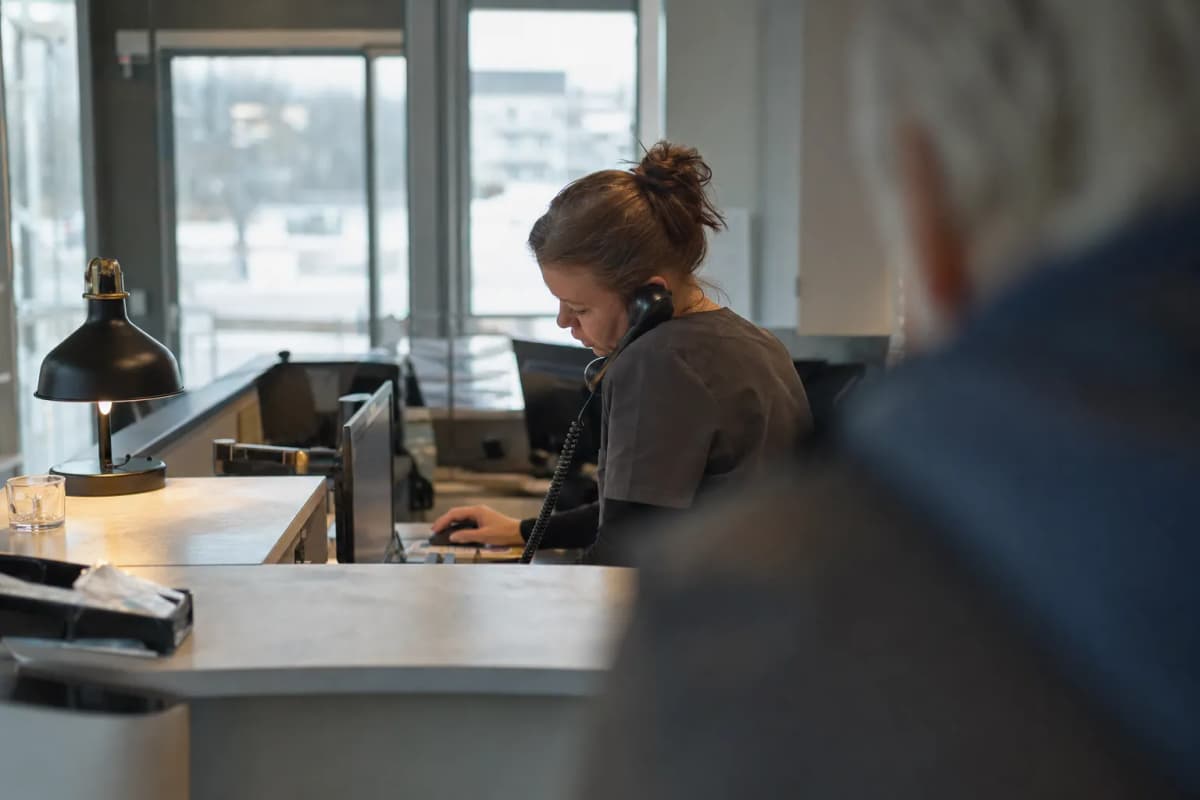 Dental clinicWhoever answers first gets the patient – and the phone fills the diary.
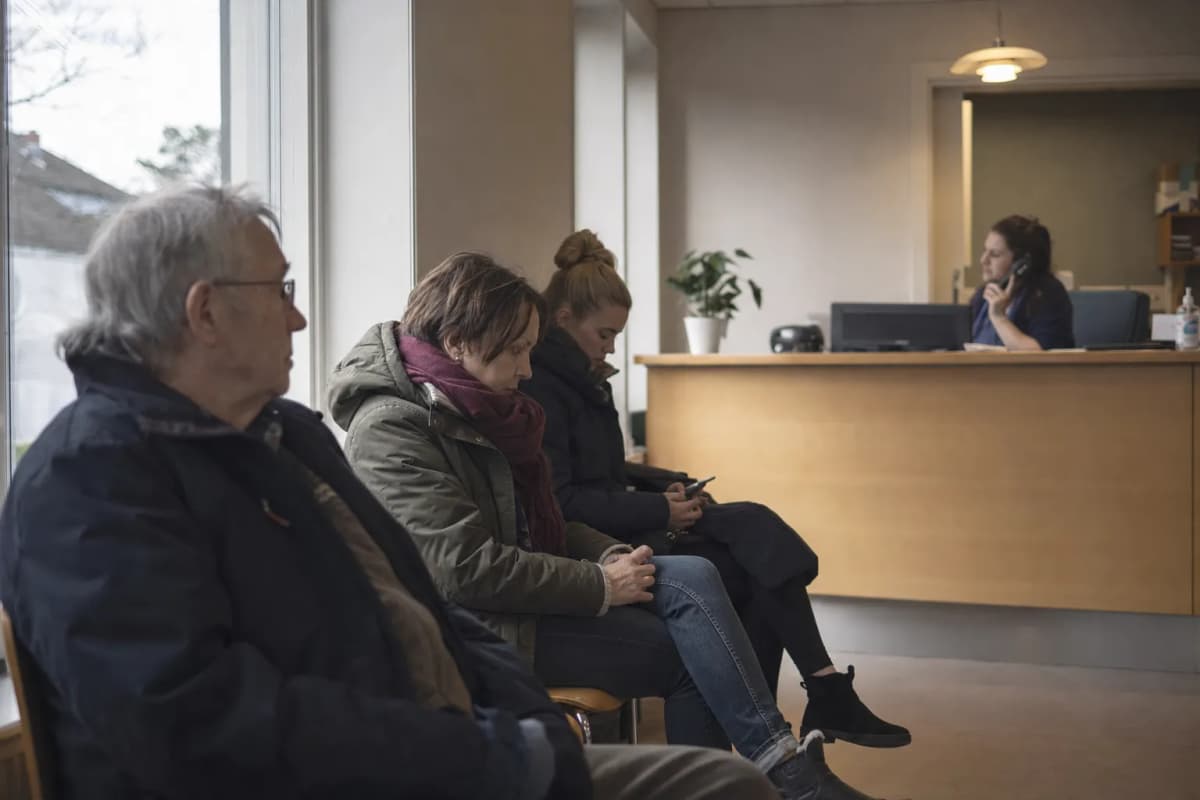 GP practiceOn Monday morning everyone calls at once, and the line is engaged for an hour.
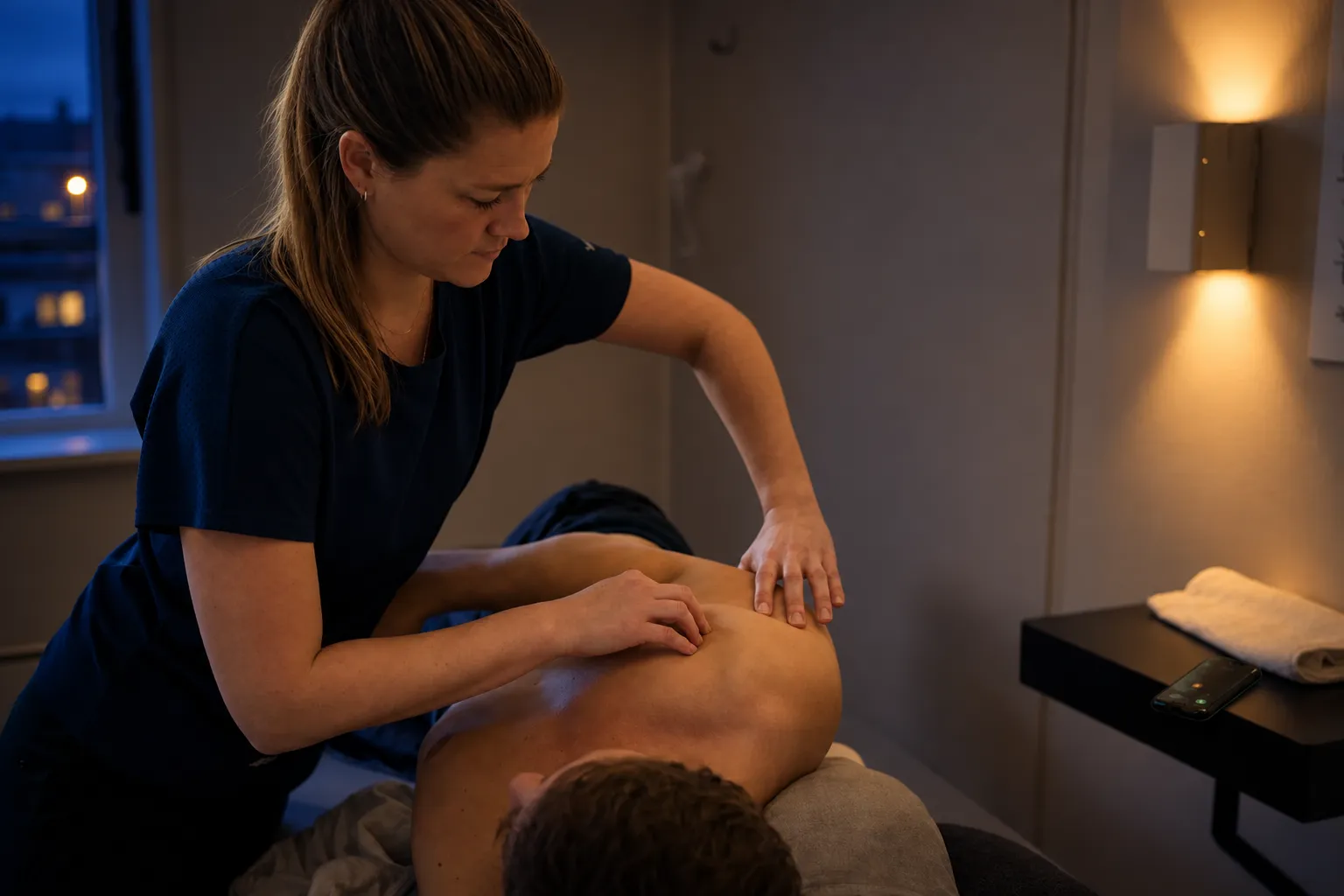
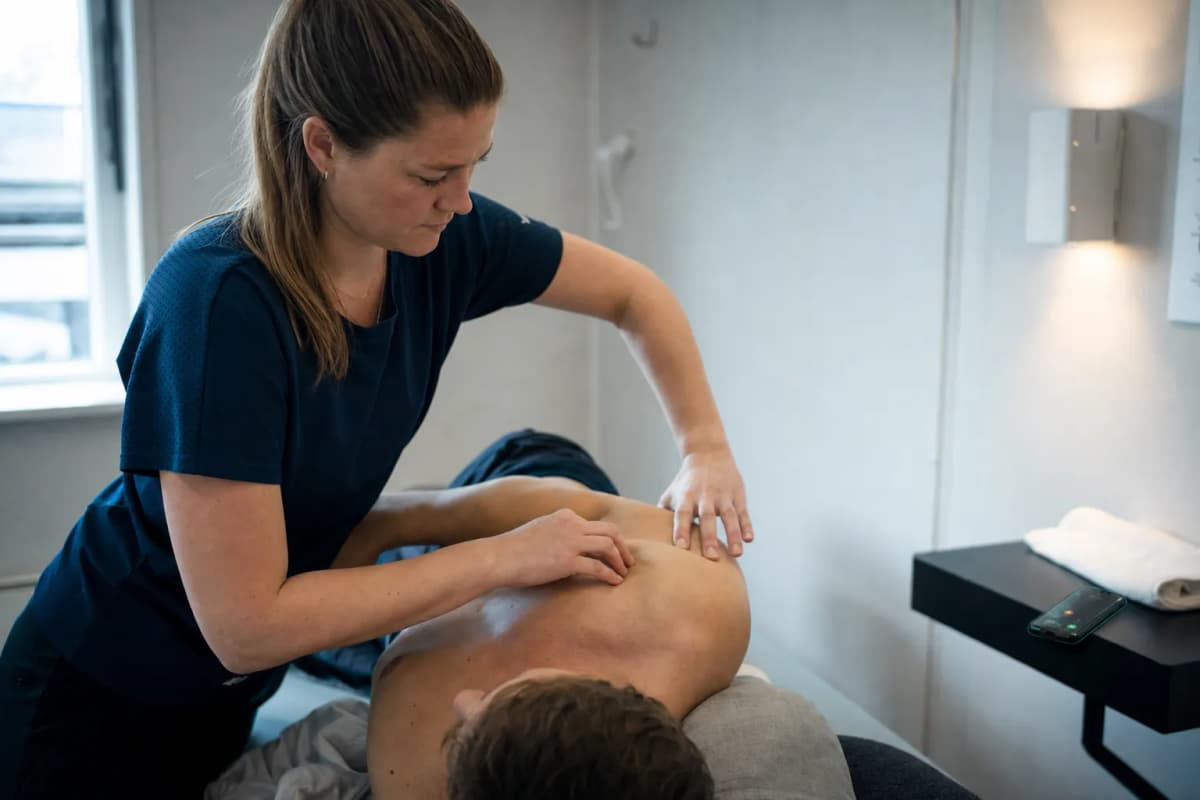 Physiotherapy and chiropracticThe practitioner is in the treatment room all day and can't take the phone.
 Law firmsA new client calls once. If she doesn't get through, she calls the next firm.
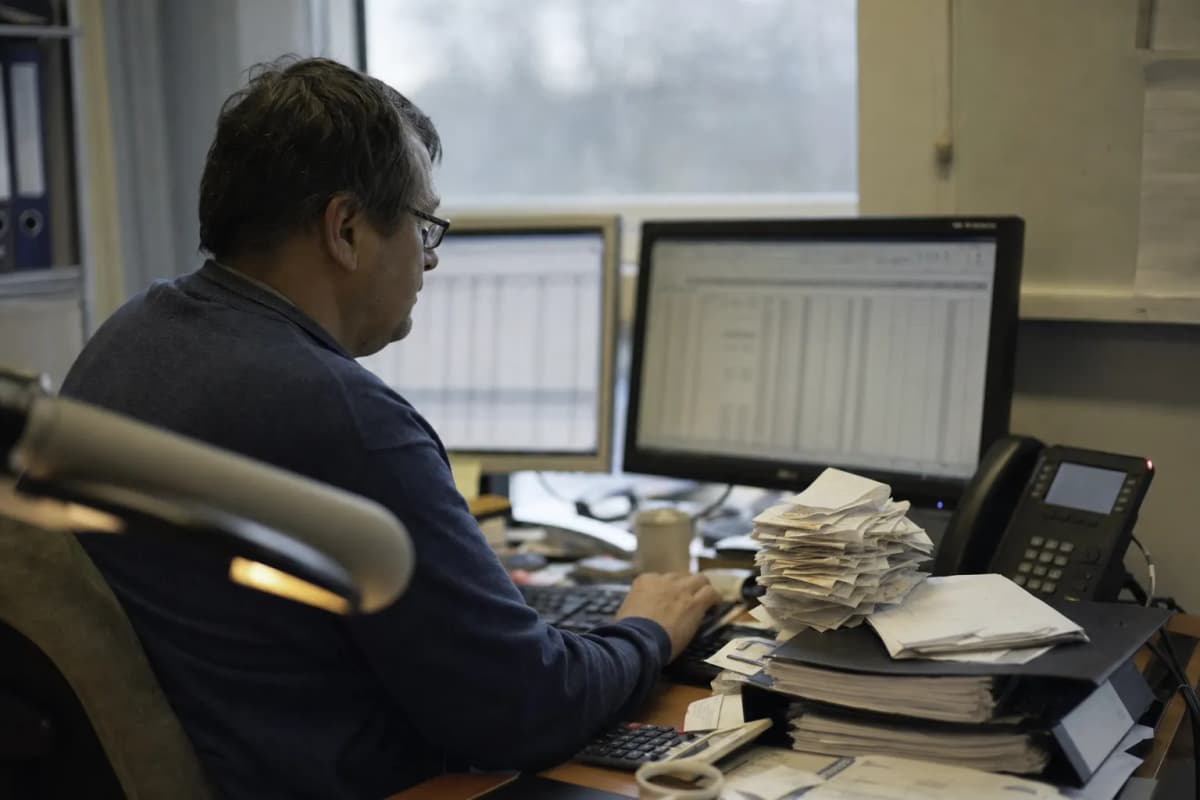 Accounting and auditAround filing deadlines the switchboard is blocked by your own clients.
 Property managementResidents, tenants and tradespeople all call the same number about everything.
 Car dealers and workshopsThe salesperson is with a customer on the floor when the workshop phone rings.
 Schools and local governmentParents call in the morning, and they all have to reach the same office.
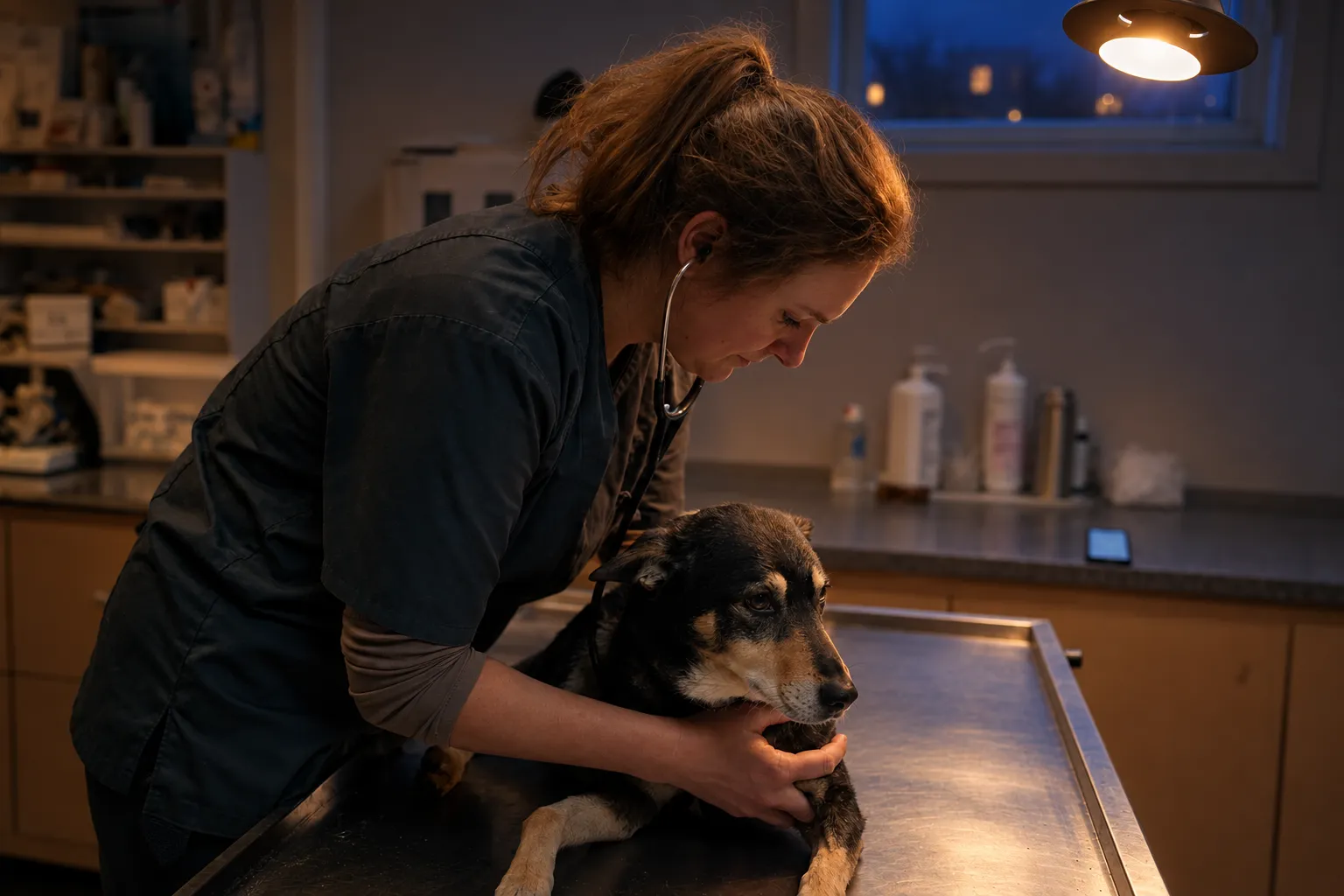
 Vets and animal clinicsThe owner is frightened and needs a voice, not an answering machine.




The alternatives, honestly laid out
| Option | Caller gets an answer | Transferred correctly | Desk is shielded | You see statistics | Cost |
|---|---|---|---|---|---|
| Nothing / voicemail | No | No | Yes | No | €0, but an invisible loss |
| One receptionist | Yes, when she's free | Yes | No | No | Full salary, half the cover |
| Switchboard on rotation | Yes, in office hours | Varies by who's on | No | No | Time taken from billable work |
| Answering service | Partly – they take a message | Rarely | Yes | Limited | Paid per call |
| Threll | Yes, around the clock | Yes, to your rules | Yes | Yes, every call | Fixed monthly price |
We don't replace the receptionist. We make sure she never has to choose between the person at the desk and the person on the phone.
One extra booking a month pays for the subscription
A fixed monthly price plus a per-minute rate. On Start you pay for the minutes you use; Pluss and Premium include minutes. Set it up yourself and setup is €0, and monthly billing has no lock-in.
Save 20% on a yearly subscription
- 1 threll
- Inbound
- Dashboard & analytics
- Email support
- 1 threll
- Inbound + outbound
- Up to 2 integrations
- Dashboard & analytics
- Priority support
- Up to 3 thrells
- Inbound + outbound
- Up to 10 integrations
- Dashboard & analytics
- Priority support
Self-serve setup
Create an account, configure the threll and set up forwarding yourself – in an afternoon. If you need help along the way, it costs nothing.
Create accountDo compare
A human answering service typically charges €2–5 per answered call. A lost customer costs you the whole sale.
Run the numbersWhat your customer hears, and what you need to be able to answer
Five questions you will get – from a customer, a board chair or a procurement officer. The answers are the same on every plan.
The threll says it is an AI assistant
It happens in the first sentence. It is a requirement under the EU AI Act – and it is also what makes customers accept it.
Nordic and European data storage
Call data is processed within the EEA. A data processing agreement is standard, not an add-on.
Telephony on Telenor SIP infrastructure
The same network as the rest of Nordic business telephony. No detour across the public internet.
You own the data
Export or delete whenever you want. You set the retention period yourself.
On-prem and sovereign hosting exist
For those who must have it. Most firms in this segment don't need it – tell us if you do.
Yes, and they're told straight away – the threll says so itself in the first sentence. Our experience is that people accept it when they actually get an appointment. What they're comparing it with isn't a person; it's an engaged tone.
Yes, once you connect it. The threll sees which slots are free with which practitioner, puts the appointment straight in and sends confirmation. Without a connection it takes down the preferred time and leaves the message in reception's queue.
No. It takes what she can't get to: the calls while she's at the desk, at lunch, on sick days and after closing. She keeps the calls that genuinely need a person.
You set the rules for who handles what, and what happens in case of doubt. The default is that uncertain cases land with reception rather than being guessed at. The whole call sits transcribed in the dashboard.
No. Threll is wired in as forwarding on no answer, busy or outside opening hours. You keep your number, your operator and your setup. If you have Mobilt Bedriftsnett or Telia Bedriftsnett, this is a menu option in your admin panel.
You do it yourself: the forwarding takes ten minutes, and writing down who does what and what the threll should ask typically takes half an hour in the console. If you'd like one of us on a screen share, it costs nothing.
Yes. Norwegian, Swedish and Danish are specially trained, and the threll handles 70 more languages – it switches mid-call if the caller does.
Nothing. You create the account yourself, run a week on your own number, and have your own figures afterwards.